
Carbon County Court Dockets
A docket is the chronological register for a court case. In Carbon County, a public docket sheet can show a case caption, docket number, filing date, participants, court office, judge or magisterial district judge, case status, events, hearing dates, orders, charge or citation data, and payment information when financial obligations are approved for online payment. The docket is useful because it gives a quick view of what happened and what may be scheduled next.
A docket is not the same as the full case record. The full file may include pleadings, motions, exhibits, certificates, confidential information forms, accounting materials, pre-sentence reports, and other documents that are not visible on a public docket sheet. For Carbon County criminal matters, the Clerk of Courts maintains the court record from arrest through final disposition. For civil matters, the Prothonotary maintains the file, and Carbon County's civil remote access is subscription-based through Court Administration.
The Pennsylvania courts describe public and secure docket access on the UJS case information page.
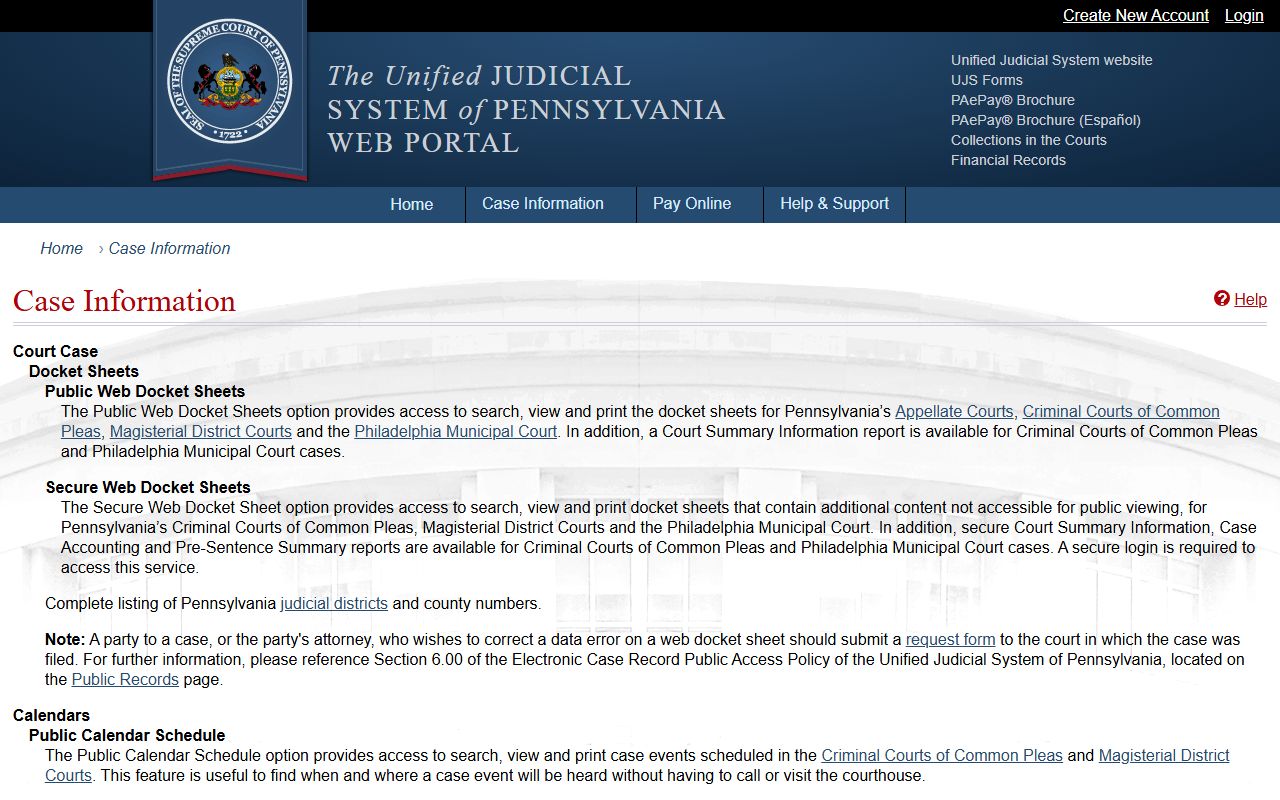
That public-versus-secure distinction is central to reading Carbon County court dockets because public sheets do not include every item available to secure court users.
Search Carbon County Court Dockets
The main free online tool is Pennsylvania UJS Case Search. UJS provides public docket sheets for Criminal Courts of Common Pleas and Magisterial District Courts, which covers Carbon County criminal Common Pleas dockets, MDJ summary dockets, traffic citations, preliminary criminal matters, and lower-court civil matters that are public through the statewide system. Public docket sheets can be searched, viewed, and printed.
- Open UJS Case Search and choose the search type that matches the information available.
- Use County = Carbon or Judicial District = Carbon - 56 when those filters appear.
- Search by docket number for an exact result, or use participant name, organization, citation number, complaint number, incident number, OTN, SID, attorney, calendar event, or date filed.
- Review the court office and case status before relying on the result, especially when a name search returns more than one case.
- Open the public docket sheet to read entries, hearing events, charge or citation rows, disposition, and payment information if shown.
UJS also promotes public calendar schedules for Criminal Courts of Common Pleas and Magisterial District Courts. Secure calendars have more search options and attendance information, but those secure tools require login credentials and are not the public docket path.
Carbon County Docket Search Fields
Search fields in UJS help separate Carbon County court dockets from statewide results. The strongest searches use a docket number, citation number, OTN, or complaint number. Name searches are broader and should be narrowed with county, judicial district, case status, or date filed when possible. Attorney and organization searches can help in civil, business, or agency-related matters, though Carbon civil filings may require the local Prothonotary subscription route for full remote civil access.
| Field | What It Does |
|---|---|
| Docket Number | Finds a specific public docket sheet when the exact case number is known. |
| Participant Name | Searches people connected to public cases, such as defendants, petitioners, respondents, and other parties. |
| Organization Name | Searches cases tied to a business, agency, or other organization name. |
| Citation Number | Targets traffic or summary citation matters, often in Magisterial District Court. |
| Complaint Number | Can locate criminal or police-initiated case records when the complaint number is known. |
| OTN or SID | Searches criminal identifiers used in Pennsylvania criminal case records. |
| Date Filed | Narrows results to cases filed within a chosen date range. |
| Case Status | Filters by public status, including active, active/disposed, adjudicated, closed, and inactive. |
The UJS docket sheets page is the assigned source for the Common Pleas docket image.
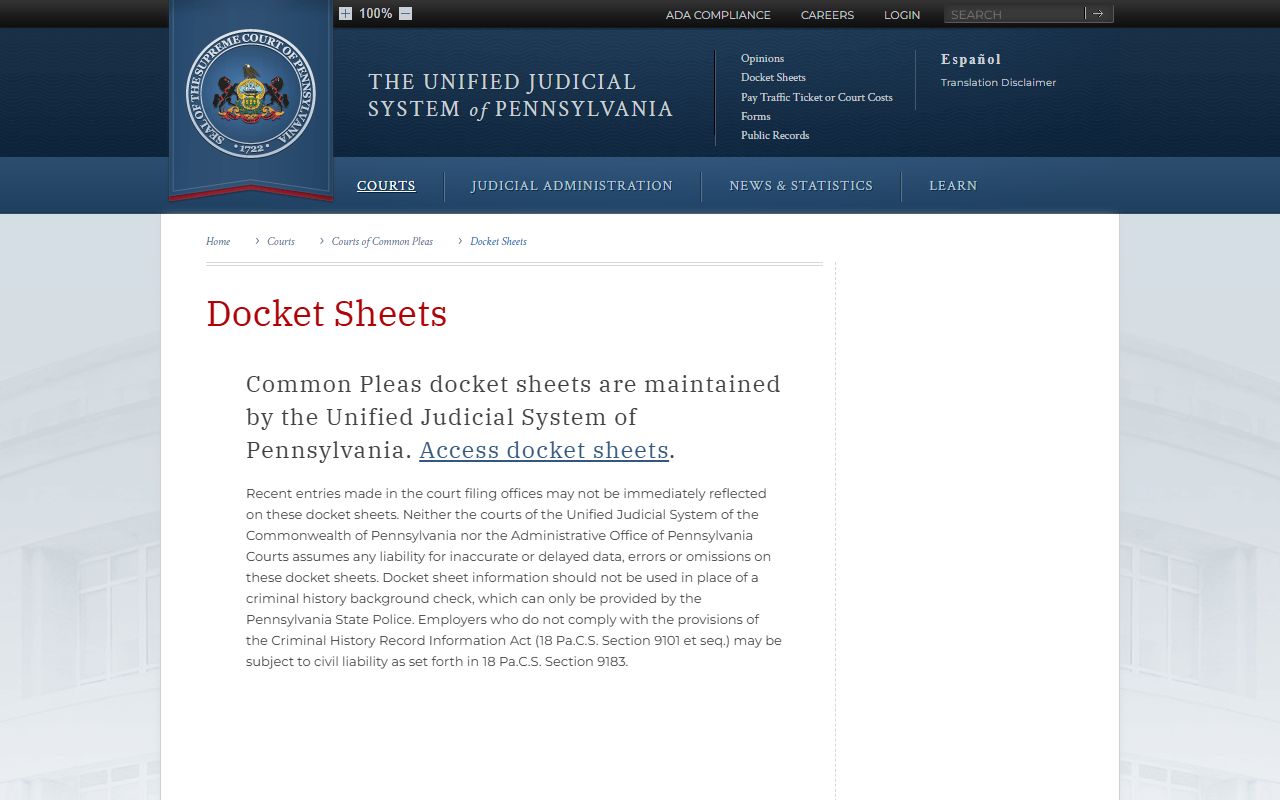
The docket-sheet source also includes the important warning that court docket sheets should not be used as a substitute for a Pennsylvania State Police criminal-history check.
Carbon County Docket Sources
Carbon County is Pennsylvania Judicial District 56. The Court of Common Pleas is the county's general trial court, with courthouse contact listed at 4 Broadway, Jim Thorpe, PA 18229. The court homepage lists President Judge Nanovic, Judge Serfass, and Judge Matika in its navigation. Common Pleas criminal docket sheets are part of the UJS public docket system, while civil docket and judgment information since January 1, 1984 is in Tyler Enterprise Justice/Odyssey under the Prothonotary's civil record system.
Magisterial District Courts produce many of the Carbon County court dockets a person needs for traffic, summary, landlord-tenant, small civil, and preliminary criminal matters. The four MDJ offices are 56-3-01 in Jim Thorpe, 56-3-02 in Palmerton, 56-3-03 in Lansford, and 56-3-04 in Weatherly. MDJs hear civil money claims up to $12,000, landlord-tenant claims, summary offenses, motor vehicle violations, preliminary arraignments, bail, arrest and search warrants, and some guilty-plea DUI or misdemeanor matters under the official limits.
| Court Level | Docket Coverage | Search Route |
|---|---|---|
| Court of Common Pleas | General trial-court matters, including criminal cases and many civil, family, and appeal matters. | UJS for public criminal docket sheets; Prothonotary subscription access for local civil docket information. |
| Magisterial District Courts | Summary offenses, traffic citations, landlord-tenant cases, civil claims up to $12,000, preliminary criminal events, bail, and warrants. | UJS Case Search with Carbon county, judicial district, MDJ office, citation, name, or docket filters. |
| Appellate Courts | Appeals from Common Pleas may route to Superior Court or Commonwealth Court depending on case type. | UJS appellate search options and docket number searches. |
| Secure court users | Secure docket sheets and secure calendars with content not visible publicly. | Login-required UJS secure access, not a public search channel. |
Carbon County Dockets vs Records
A Carbon County court docket is best for tracking the public progress of a case. A full court record is needed when the actual filed document matters. For example, a docket may show that a motion was filed, but it may not display the motion text. A docket may show a sentence, costs, fines, or restitution, but the Clerk of Courts may still be needed for certified copies or payment details. A civil docket may show a judgment entry, while the Prothonotary may hold the document image or certified copy.
| Docket Sheet | Full Case Record | |
|---|---|---|
| Format | Chronological public summary. | Filed documents, orders, exhibits, and office-held records. |
| Access | Often free through UJS for criminal, MDJ, traffic, and summary matters. | May require a clerk request, subscription, fee, secure login, or court order. |
| Best Use | Check case status, dates, court office, and public events. | Review the legal filing, certified copy, evidence, or detailed order. |
| Limits | Recent entries may be delayed or incomplete. | Some documents are sealed, confidential, or restricted. |
Note: A public docket can identify the right office, but it is not a certified copy of the case file.
Secure Carbon County Docket Limits
UJS separates public docket sheets from secure docket sheets. Public docket sheets are meant for general public access. Secure docket sheets and secure calendars contain more information and require a login. The public version can omit restricted content, confidential filings, accounting reports, pre-sentence reports, secure attendance information, and material protected by court rule, statute, or order. Clean Slate and limited-access criminal dockets are also excluded from ordinary public access, as Carbon County's Clerk of Courts page notes for UJS public records.
Delayed entries are another limit. The UJS docket disclaimer warns that docket sheets may contain delayed or inaccurate entries. That matters when checking a same-day hearing, newly filed order, or recent disposition. For current hearing logistics, call the relevant office. For a criminal case, use the Clerk of Courts. For an MDJ citation or preliminary matter, call the MDJ office shown on the docket. For a civil case, contact the Prothonotary or the civil subscription access contact when the docket is not visible through public UJS.
The statewide Pennsylvania UJS portal is the assigned image source for the general docket access view.
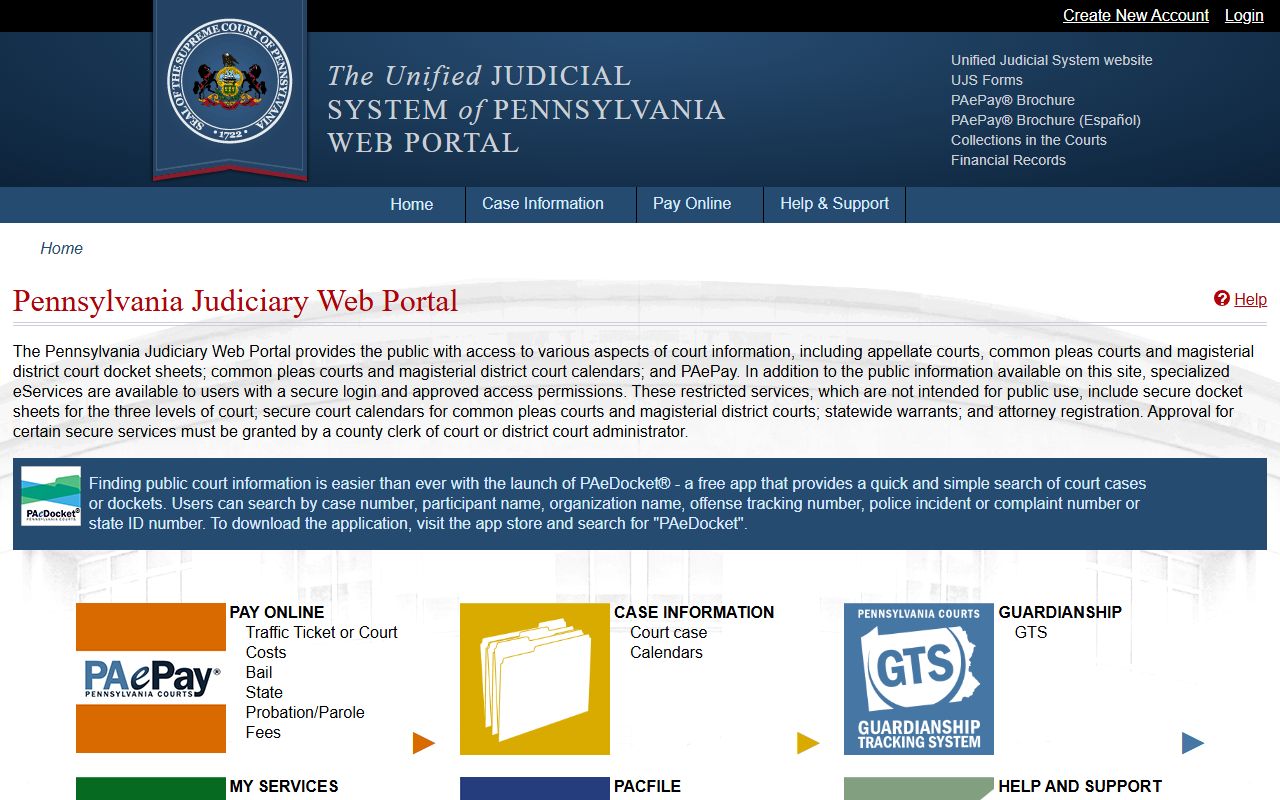
The portal image fits this access-limit section because it shows the statewide entry point, while Carbon County records still depend on the court level and public or secure access status.
Read Carbon County Dockets
Start with the caption, docket number, court office, and status. Then read the entries in date order. Entry dates show when an event was placed on the docket. Event text may refer to a complaint, motion, hearing, continuance, order, plea, sentence, judgment, summary appeal, or payment event. In criminal and traffic matters, charge rows may show the offense, grading, citation, OTN, disposition, and sentence or penalty information. In civil matters, look for filings, service entries, orders, judgments, and appeal activity.
Common terms are short but important. A disposition is the result of a case or charge. A continuance means a hearing was postponed. A preliminary hearing is an MDJ-stage proceeding that tests whether charges move forward. A summary appeal is an appeal from a summary conviction to Common Pleas. A bench warrant often means a person failed to appear or violated a court order. For full case-file context, Carbon County court records access may require the office that holds the documents behind the docket entries.